
What Is a Santa Barbara County Court Docket
A docket is the running record of every event in a single case file. In the Santa Barbara Superior Court system, the docket lives inside the Odyssey case view and includes the case number, parties, judicial officer, every hearing date, every minute entry, every order, and every paper filed by either side. A user opens the docket by clicking the case from a Smart Search result list or by opening the case from a Search Hearings result. The portal disclaimer notes that the data is not the official court record and is provided as a public service.
Dockets are short, list-style summaries. A full case file holds the actual signed orders, motions, declarations, and exhibits. Many of those documents are restricted from remote viewing under California Rules of Court rule 2.503. The docket entry will name the document and date, but the image itself may only be available at a public access terminal at the Figueroa, Miller, or Lompoc lobby.
The Santa Barbara court explains the docket disclaimer on its court calendars page and on its case records search page. Both pages remind users that information shown is real-time data and may contain errors.
How to Search Santa Barbara County Court Dockets Online
The fastest path is the Search Hearings tool at the Odyssey Portal. The tool requires a location, a hearing type, a search type, and a date range. A name search needs at least one letter in the last name and one in the first name. A case number search uses the case number printed on the courtesy notice or filed pleading. The portal returns a list of hearings with date, time, courtroom, and case number. Each result links to the case docket.
Users can also reach a docket from Smart Search. Pick the location, run the name or case number, open the matching case, and scroll to the Events tab. The court directs users with criminal cases to the Records window because the online criminal index is not currently available; an underlying docket file does exist there. Public terminals at Figueroa, Miller, and Lompoc cover that gap during clerk hours.
Open the Odyssey Search Hearings dashboard to confirm the live field set before running a docket query.
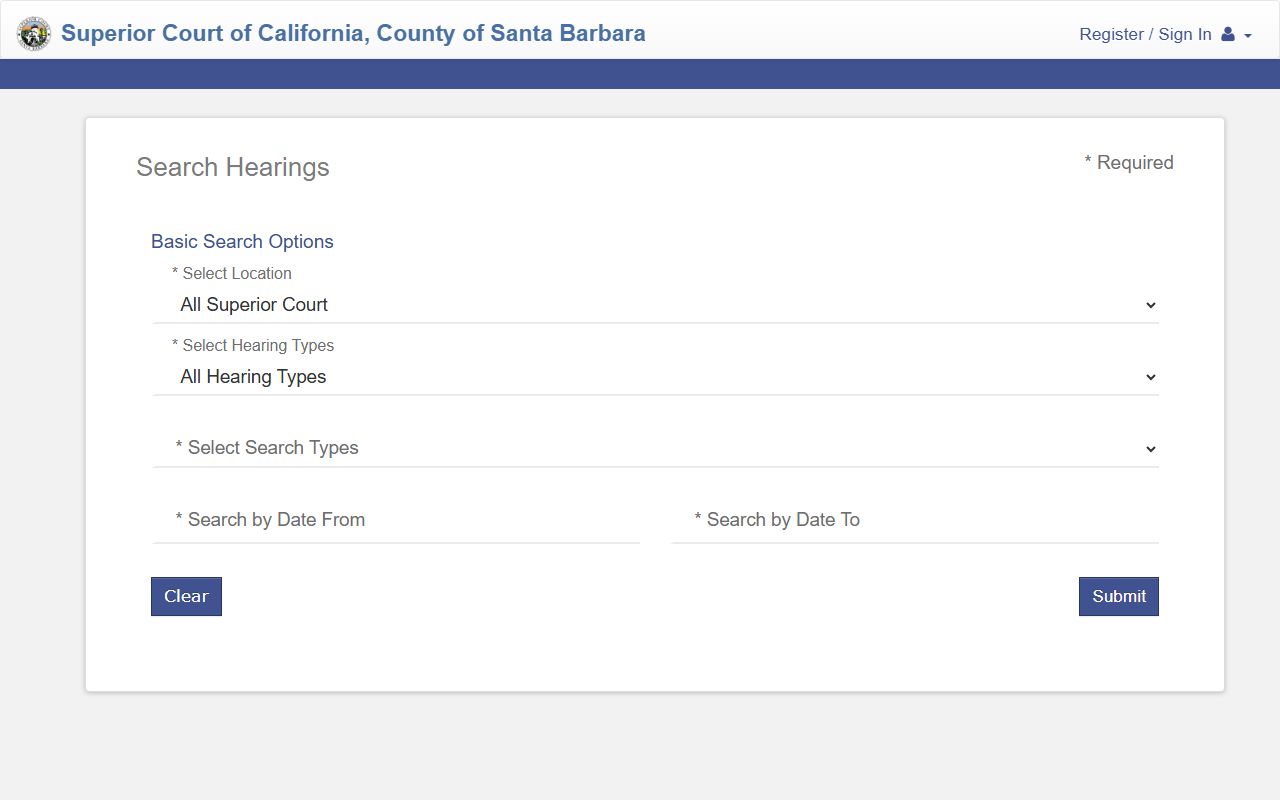
The Search Hearings tool is the most direct way to reach a docket because it ties calendar entries straight back to the case record.
- Open the Odyssey Portal at portal.sbcourts.org/CASBPORTAL and accept the usage agreement.
- Pick Search Hearings from the dashboard tile set.
- Choose a Select Location value: All Superior Court, Lompoc, Santa Barbara, Santa Maria, or Solvang.
- Choose a hearing type (Civil, Criminal, Family Law, Probate or Mental Health, or All).
- Pick a search type: Case Number, Party Name, Business Name, Attorney Name, Attorney Bar Number, Judicial Officer, or Courtroom.
- Enter the date range using MM/DD/YYYY for Search by Date From and Search by Date To.
- Click Search and open the matching case to view its full docket.
Santa Barbara County Search Hearings Field Table
The Search Hearings form is more strict than Smart Search. Date From and Date To are required. The court has capped Date To to dates on or before May 17, 2026, in the inspected form. Wildcards are allowed on case numbers but only after at least four characters plus an asterisk. Sounds Like is available for name searches but cannot be combined with a wildcard. Each field is listed below in the order it appears on the form.
| Field Label | Type | Required | Notes / Format |
|---|---|---|---|
| Select Location | Dropdown | Yes | All Superior Court; Lompoc; Santa Barbara; Santa Maria; Solvang. |
| Select Hearing Types | Dropdown | Yes | All Hearing Types; Civil; Criminal; Family Law; Probate or Mental Health. |
| Select Search Types | Dropdown | Yes | Case Number; Party Name; Business Name; Attorney Name; Attorney Bar Number; Judicial Officer; Courtroom. |
| Sounds Like | Checkbox | Optional | Name searches only; cannot pair with wildcards. |
| Search by Criteria | Text | Conditional | Max 100 characters; case-number wildcard needs 4+ characters plus asterisk. |
| Last Name | Text | Conditional | At least 1 letter, or 3 letters plus optional asterisk; allows hyphens and apostrophes. |
| First Name | Text | Conditional | At least 1 letter; optional asterisk. |
| Middle Name | Text | Optional | Max 100 characters. |
| Select Judicial Officer | Dropdown | Conditional | Required for a judicial-officer search. |
| Select Courtroom | Dropdown | Conditional | Appellate Division, Lompoc departments, SB departments 1-14, SM departments 1-10, SM juvenile, SV Dept 1. |
| Search by Date From | Date | Yes | MM/DD/YYYY. |
| Search by Date To | Date | Yes | MM/DD/YYYY; capped to on/before 05/17/2026 in the inspected form. |
| Clear | Action | Optional | Clears the form. |
| Search | Button | Yes | Runs the hearing search. |
The courtroom list inside Select Courtroom is the cleanest way to confirm a department. Santa Barbara seats fourteen departments. Santa Maria seats ten plus a juvenile bench. Solvang seats one. Lompoc lists its own departments by number. The Appellate Division covers limited civil and misdemeanor or infraction appeals from the Santa Barbara Superior Court.
Sample Santa Barbara County Docket Entry Fields
Each docket line maps to one event in the case. The Odyssey case view groups events under the Events tab and ties each line to a date. The fields below mirror what a typical case view shows in Santa Barbara County. Document links may be greyed out for criminal, juvenile, mental health, and family files under Rule 2.503.
| Field | What It Shows |
|---|---|
| Entry Date | Date the event was filed or held. |
| Event Type | Pleading, motion, order, minute entry, or hearing. |
| Party Filing | Plaintiff, defendant, petitioner, respondent, or court on its own motion. |
| Description | Plain language summary, often pulled from a docket code. |
| Hearing Date | Future hearing date attached to the event, if any. |
| Department | Courtroom number where the event occurred or will occur. |
| Judicial Officer | Judge or commissioner on the bench at the event. |
| Document Link | PDF image, when Rule 2.503 allows remote display. |
The court's local rules page sets out the rules behind several docket events, including ex parte applications, case management conferences, and trial setting.
Open the Santa Barbara local rules page to confirm the docket procedures that drive each event type.
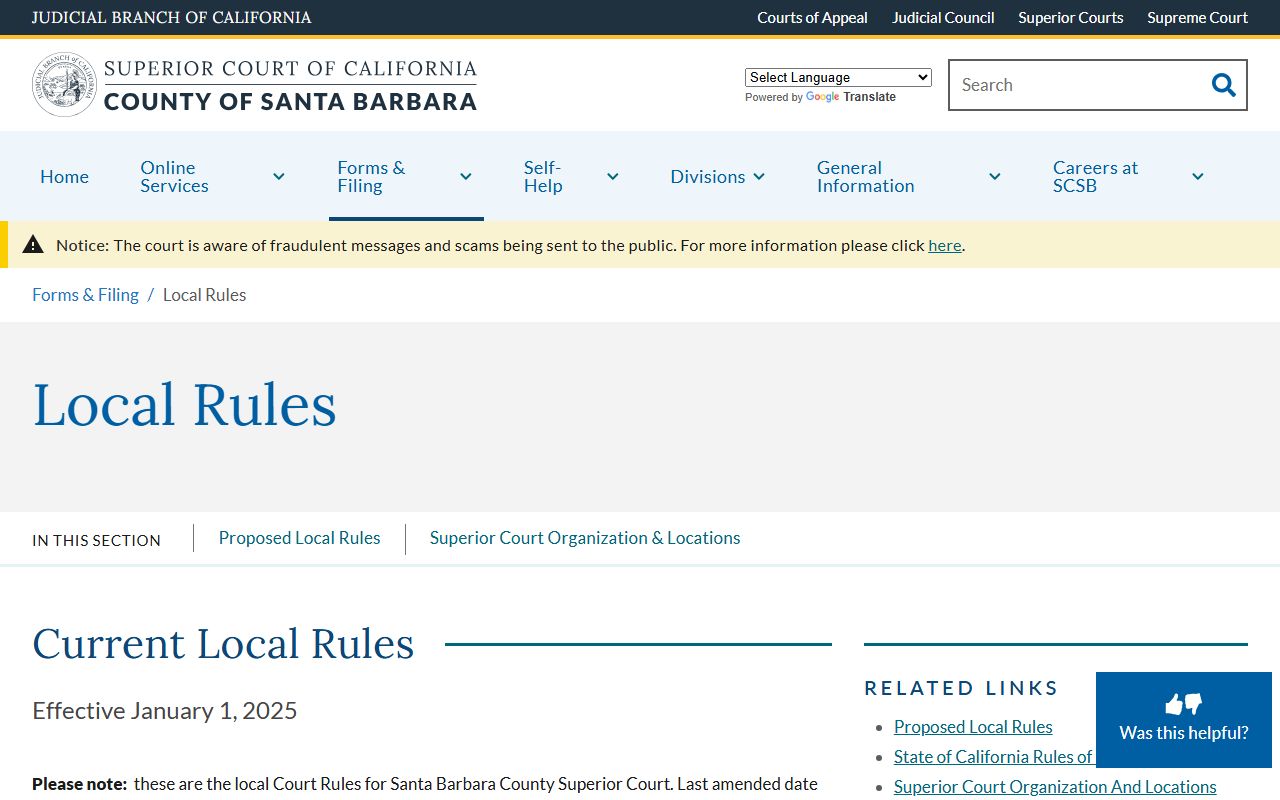
The local rules page is helpful for reading what an entry like CMC, OSC, or TRC actually means at the Santa Barbara Superior Court.
Courts That Publish Dockets in Santa Barbara County
Only one trial court system serves Santa Barbara County: the Superior Court of California, County of Santa Barbara. California has no justice court, no district court, and no county court at law. All civil, criminal, family, probate, juvenile, traffic, mental health, small claims, and unlawful detainer dockets are published through the same Odyssey index. Different divisions sit in different buildings, but they share one case management system.
- Santa Barbara Anacapa Division at 1100 Anacapa Street: civil, family, and general court business.
- Santa Barbara Figueroa Division at 118 E. Figueroa Street: criminal, traffic, and the South County records window.
- Santa Maria Cook Division at 312 East Cook Street, Building E: civil and North County records.
- Santa Maria Miller Division at 312-M East Cook Street, Building E: criminal and traffic.
- Lompoc Division at 115 Civic Center Plaza: civil, criminal, and traffic.
- Solvang Division at 1745 Mission Drive, Suite C: local court services.
- Juvenile Court (Santa Barbara and Santa Maria): juvenile dockets, restricted under WIC 827.
Calendared events from each of these divisions all appear in the same Search Hearings result list when All Superior Court is selected. The court calendars page publishes a daily run, and the civil division page publishes tentative rulings.
Visit the Superior Court calendars page to see how the published daily calendar lines up with the Search Hearings dataset.
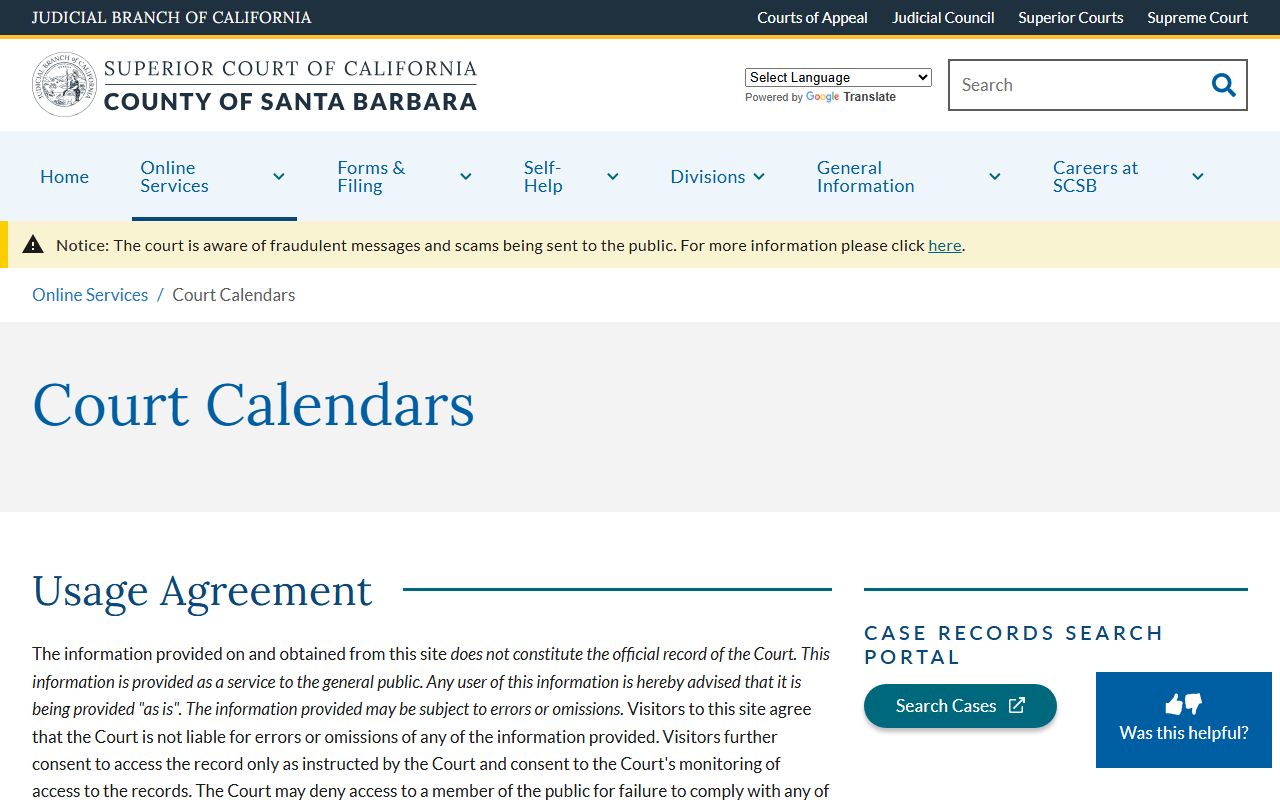
The calendars page is the right tool for a same-day docket scan because it lists every department's calendared events side by side.
Docket vs Full Court Records in Santa Barbara County
A docket is a list, not a file. A full court record holds the documents themselves. The split matters because Santa Barbara users often need the docket to track progress but need the file to read what was actually said or ordered. Document images are restricted under Rule 2.503 for many case types, so a docket may be online while the file is not. The full file is available at the South County records window at Figueroa (805-882-4778) or the North County records window at Cook Street (805-614-6414).
| Docket | Full Court Record | |
|---|---|---|
| Format | List of dated events | Pleadings, motions, orders, exhibits |
| Access | Online for most case types | May need a records window visit or copy fee |
| Best Use | Track case progress | Legal review, evidence, certified copy |
| Source | Odyssey case view, Events tab | Court records department |
| Cost | Free | $0.50 per page; $40 to certify any document |
Anyone who needs the actual signed order should plan for an in-person trip or a mailed request to the records department.
Note: Docket entries are not signed orders. The court treats Odyssey data as informational, not official, and a certified copy must come from the records window.
How to Read a Santa Barbara County Docket
Every docket uses a mix of plain words and shorthand. CMC means case management conference. OSC means order to show cause. TRC means trial readiness conference. MTC means motion to compel. MIL means motion in limine. Continued or CONT means the hearing was pushed to a later date. Off Cal means the hearing was taken off calendar. Disposition lines show the case ended; common values include Dismissed, Judgment, Plea, Sentence, and DEJ/Diversion.
The case status badge on the case header is the fastest way to read where a case sits. Active means the case is open. Closed means the case is closed. Sealed means the file is sealed. Stayed means the court paused the case. Warrant means a bench warrant or similar process is active. Appeal Filed, Appeal Pending, and Certified to Appellate Court each mark an appeal stage; appeals from the Santa Barbara Superior Court generally go to the Appellate Division for limited civil and infraction matters, then to the California Court of Appeal, Second Appellate District.
For glossary terms not on the docket, see the Santa Barbara Court Legal Resource and Self-Help page. Family Code, Probate Code, and Penal Code text live at California Legislative Information.
Search Court Dockets
Sponsored Results