
How to Search Santa Barbara County Court Records
The main tool is the Santa Barbara Odyssey Portal. It hosts both Smart Search and Search Hearings for case files across the Superior Court of California, County of Santa Barbara. The portal covers cases filed at the Anacapa Division (1100 Anacapa Street), the Figueroa Division (118 E. Figueroa Street), the Cook Division in Santa Maria, the Lompoc Division, and the Solvang Division. The court's case records search page states the data is not the official record and is provided as a public service.
A user needs a case number, party name, or attorney name to get useful results. The portal asks the user to accept a usage agreement and to clear a captcha. Smart Search caps free-form input at 100 characters. The civil-only variant lives at the Odyssey Civil Portal.
The Santa Barbara Superior Court points the public to the Civil Portal first, and the page lists the live search form along with division contacts. The civil division at the Superior Court updates these links when the portal is moved or maintained.
See the Santa Barbara civil division portal page for the latest live access link and the current service notices.
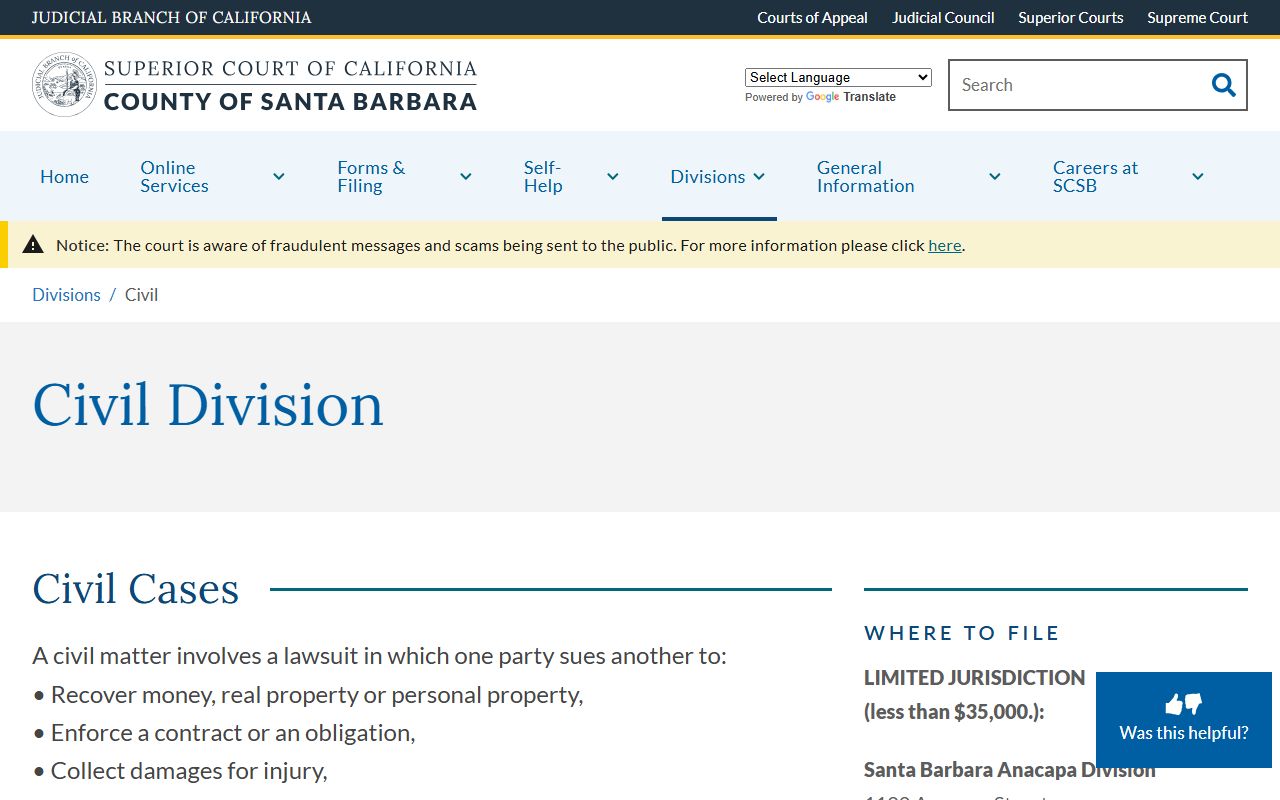
The civil page is the most reliable jumping-off point because it ties the Odyssey link to the current Rule 2.503 advisory and the records-window phone numbers. Use it before bookmarking any direct portal URL.
- Open the Odyssey Portal at portal.sbcourts.org/CASBPORTAL and accept the usage agreement.
- Pick Smart Search from the dashboard. Choose the right court location from the combo box.
- Type a case number, last name, business name, or attorney name into the search field.
- Use Advanced Filtering Options to narrow by case type, file date, or judicial officer.
- Open the matching case to see parties, hearings, docket events, and disposition.
- If a full document is restricted by Rule 2.503, request it at a records window or by mail.
Santa Barbara County Court Records Search Fields
Each Smart Search field controls a different cut of the case index. The court exposes the same form for civil, criminal, family, probate, and mental health files. The court has stated the online criminal index is not available at this time, so criminal results may be empty even when an in-person file exists. The portal's Smart Search dashboard shows the live field set.
The table below lists every field shown on the Smart Search form. Fields marked optional only apply if the user opens Advanced Filtering Options. The Sounds Like option cannot run with a wildcard. Date filters use MM/DD/YYYY format.
| Field Label | Type | Required | Notes / Format |
|---|---|---|---|
| Record Number or Name (Last, First Middle Suffix) | Text | Yes | Max 100 characters; main Smart Search box. |
| Advanced Filtering Options | Toggle | No | Expands precision fields. |
| Court Location | Combo box | Yes | All Superior Court; Lompoc; Santa Barbara; Santa Maria; Solvang. |
| Filter by Search Type | Combo box | Yes | Smart Search; Attorney Bar Number; Attorney Name; Business Name; Case Cross-Reference Number; Case Number; Citation Number; Judicial Officer; Nickname; Party Name. |
| Cases | Checkbox | Default on | Enables case searching. |
| Party Name / Nickname / Business Name | Checkbox | Optional | Party search criteria. |
| Sounds Like | Checkbox | Optional | Cannot be used with wildcards. |
| Filter by Phone Number | Text | Optional | Party search filter. |
| Filter by FBI Number | Text | Optional | Max 10 characters. |
| Filter by SO Number | Text | Optional | Max 20 characters. |
| Filter by Booking Number | Text | Optional | Max 20 characters. |
| Filter by Case Type | Combo box | Optional | All; Civil; Criminal; Family Law; Probate or Mental Health. |
| Filter by Case Status | Combo box | Optional | Includes Active, Closed, Dismissed, Disposition, Judgment, Sealed, Stayed, Warrant. |
| Filter by File Date Start | Date | Optional | MM/DD/YYYY. |
| Filter by File Date End | Date | Optional | MM/DD/YYYY. |
| Filter by Judicial Officer | Combo box | Optional | Long list of sitting and former judges. |
| Submit | Button | Yes | Runs search. |
| Reset | Action | Optional | Clears the form. |
To search by business name, open General Options under Advanced Filtering, set Filter by Search Type to Business Name, type the legal name, and submit. The Civil Portal Smart Search mirrors most of these fields but is limited to civil cases.
View the Odyssey Civil Portal Smart Search dashboard to compare the civil-only form to the main Smart Search.
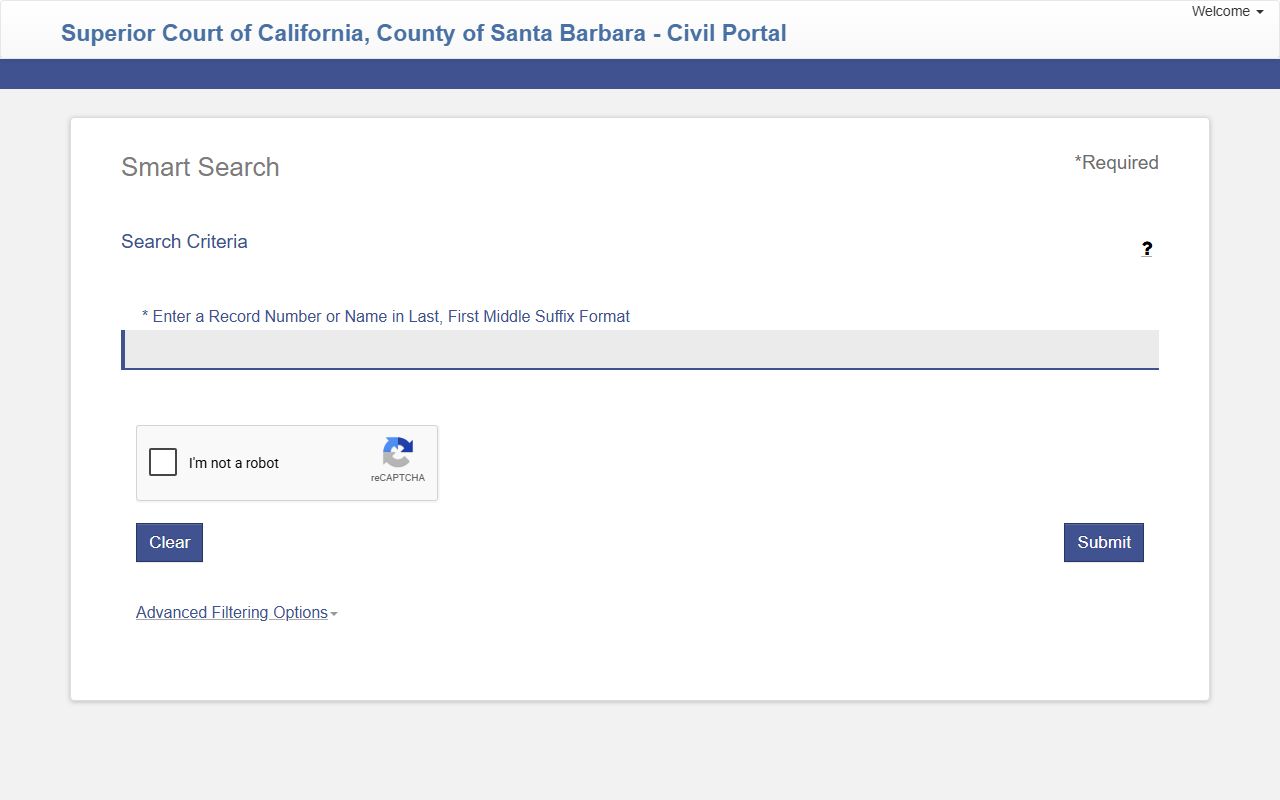
The civil-only view is helpful when a user already knows the case is civil because it removes the criminal index gap noted by the court.
Types of Santa Barbara County Court Records
The Superior Court of California, County of Santa Barbara, files records in nine main groups. Each group has its own access rules. Some files are fully public, some are partly redacted, and some are sealed by statute. The court's civil division, criminal division, and probate division all feed the same Odyssey index but maintain separate counters.
The court does not publish many files online. Remote display of documents is governed by California Rules of Court rule 2.503. The rule allows broad remote access for most civil case docket lists, but document images are limited for criminal, family, juvenile, and mental health cases. Public access terminals are placed in the Figueroa, Miller, and Lompoc lobbies for that reason.
- Civil: complaints, answers, motions, notices, judgments, dismissals, and proofs of service.
- Criminal: felony, misdemeanor, and infraction files. Online index is not available; review at the Records window.
- Family law: divorce, custody, support, parentage, and domestic violence restraining orders.
- Probate and mental health: estates, wills, conservatorships, guardianships, and LPS cases.
- Traffic: citations, dispositions, traffic school status, and payment history.
- Juvenile: dependency and delinquency files (restricted under Welfare and Institutions Code).
- Small claims: claims, hearing results, judgments, and satisfaction of judgment.
- Unlawful detainer: eviction complaints, answers, judgments, and writs.
- Protective orders: civil harassment, elder abuse, workplace violence, and DV restraining orders.
The court records department page lists the records windows, fees, hours, and copy methods. The South County records window is at Figueroa; the North County window is at 312-E East Cook Street, Santa Maria.
What Santa Barbara County Court Records Show
A typical case opened in Odyssey returns a header block, party block, hearings block, and docket events block. Status values include Active, Closed, Dismissed, Disposition, Judgment, Sealed, Stayed, Warrant, Appeal Filed, Appeal Pending, Certified to Appellate Court, Change Venue, Conviction, DEJ/Diversion, Letters Issued, LPS Supervision, and Traffic School Completed or Pending. The court's self-help materials, including the Court Legal Resource and Self-Help page, explain how to read those values in plain language.
The table below maps common fields to what they tell the reader. Some fields, like Document Links, are restricted under Rule 2.503 for criminal and other sensitive cases. A user who needs a stamped, signed copy must request a certified copy at the records window.
| Field | What It Shows |
|---|---|
| Case Number | Unique number used by the Superior Court for the case file. |
| Case Type | Civil, criminal, family, probate, traffic, or juvenile track. |
| Filing Date | Date the case was opened with the court clerk. |
| Court Location | Anacapa, Figueroa, Cook, Miller, Lompoc, or Solvang division. |
| Department | Courtroom number within the assigned division. |
| Judicial Officer | Judge or commissioner assigned to the case. |
| Parties | Plaintiff, defendant, petitioner, respondent, and any cross-party. |
| Attorneys | Counsel of record for each party. |
| Hearings | Calendared events with date, time, and courtroom. |
| Docket Events | Filings, orders, motions, and minute entries in date order. |
| Disposition | How the case ended (judgment, dismissal, plea, transfer). |
| Fines / Fees | Court-ordered amounts and payment status. |
| Document Links | Remote document images, where Rule 2.503 allows display. |
The portal also exposes appeal status flags. When a Santa Barbara case is appealed, the Odyssey record will show Appeal Filed, Appeal Pending, or Certified to Appellate Court. From the Superior Court the appeal route is the Appellate Division for limited civil and infraction matters, or the California Court of Appeal, Second Appellate District.
Public Access Framework for Santa Barbara County Court Records
California court records are not governed by the California Public Records Act. They are governed by court rules, statutes, and the common law right of access. Trial court remote access is set by California Rules of Court rule 2.503, which allows broad remote access to civil case dockets and limits remote display of documents in criminal, family, juvenile, mental health, and other sensitive categories.
Sealed records follow California Rules of Court rules 2.550 and 2.551. A judge must make written findings before sealing. Court fees for copies are set in Government Code sections 70626 and 70627. Administrative records held by the Clerk-Recorder, Sheriff, District Attorney, and Public Defender follow the California Public Records Act at Government Code section 7920.000 et seq.
See the California Rules of Court index for the full rule set that governs Santa Barbara record access.
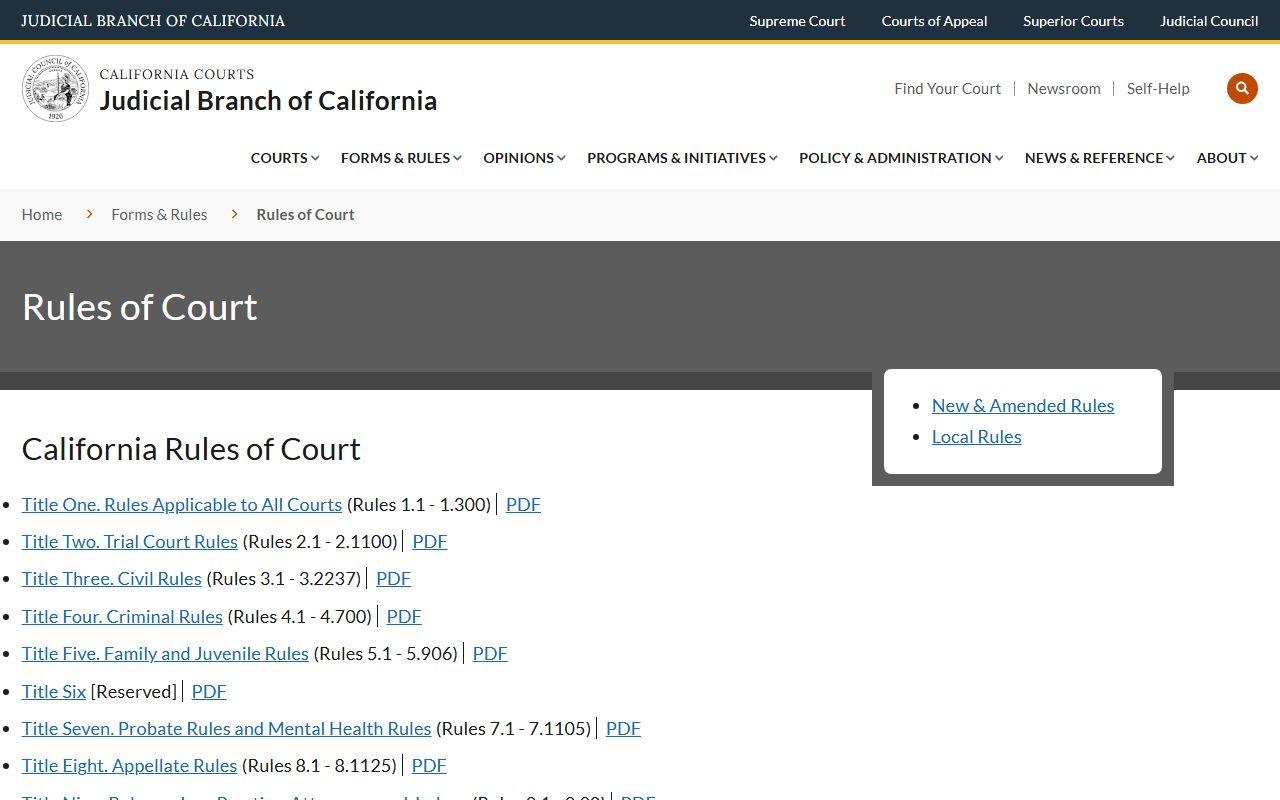
Rule 2.503 is the key rule for online users because it explains why a civil docket appears in Odyssey but a criminal docket may not.
Note: Online case data is not the official court record. Certified copies for legal use must be ordered from the court records window or by mail.
Records That Are Sealed or Confidential in Santa Barbara County
Several categories are sealed by statute or rule. Juvenile dependency and delinquency files are restricted under Welfare and Institutions Code section 827. Sealed juvenile records use Welfare and Institutions Code section 781. Adoption files are confidential under Family Code section 9200. Confidential marriage certificates have separate access rules. Sealed criminal files under Penal Code sections 851.8 or 851.91, dismissed cases under Penal Code section 1203.4, and protective order records all carry separate access limits.
Mental health and LPS records are confidential. Grand jury material is confidential. Social security numbers, financial account numbers, and child identifying data are removed from public-facing documents. Any record sealed by a protective order is unavailable to the public until the court orders otherwise.
To view a sealed file, a user must petition the Superior Court division that issued the seal. The petition must show good cause and a specific legal interest. The court's Legal Resource Center can point pro per filers to the right form set, but it cannot give legal advice.
Visit the Court Legal Resource and Self-Help page for forms and walkthroughs that support sealed-record petitions and other court records work.
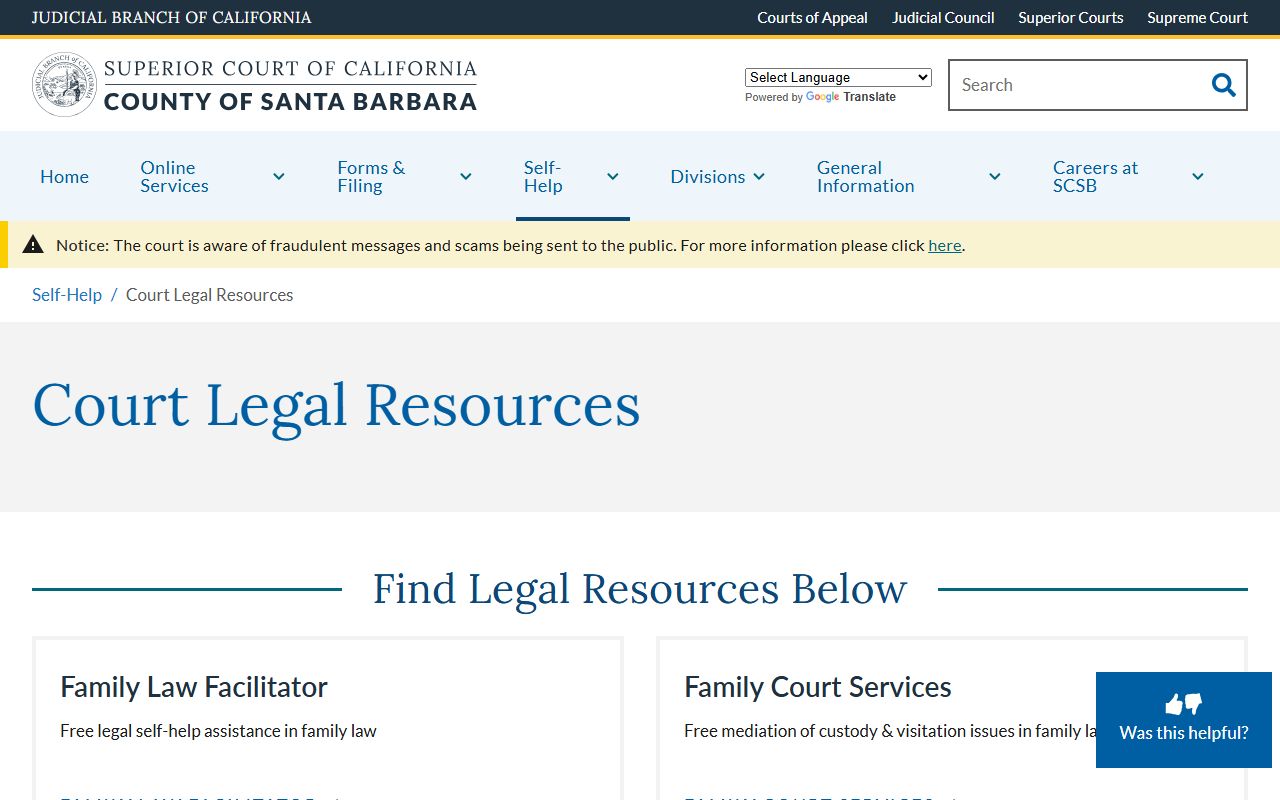
The self-help page is the right first stop for any user trying to work out which form goes with which restricted record type.
In-Person Court Record Requests
South County users go to the Figueroa Division records lobby. North County users go to the Cook Division records lobby in Santa Maria. The court's records department page lists current hours and fees. The court does not confirm personal identifying information like date of birth or driver's license numbers by phone or email.
South County Records (Figueroa Division)
118 E. Figueroa Street
Santa Barbara, CA 93101
(805) 882-4778
Clerk hours 8:00 a.m. to 3:00 p.m.
North County Records (Cook Division)
312-E East Cook Street, Building E
Santa Maria, CA 93454
(805) 614-6414
Clerk hours 8:00 a.m. to 3:00 p.m.
Copy fees are set by statute. Plain copy is $0.50 per page under Government Code section 70627(a). Certified divorce judgment is $15 plus $0.50 per page under Government Code section 70674. Certification of any other court document is $40 plus $0.50 per page under Government Code section 70626(a)(4). A search that takes more than 10 minutes adds $15 under Government Code section 70627(c). North County fax copies are $1 per page. The credit card surcharge is 2.9% plus $0.60.
| Fee Item | Amount |
|---|---|
| Plain copy per page | $0.50 |
| Certified divorce judgment | $15 plus $0.50 per page |
| Certification of court document | $40 plus $0.50 per page |
| Search over 10 minutes | $15 |
| North County fax copy | $1 per page |
| Credit card surcharge | 2.9% plus $0.60 |
Search Court Records
Sponsored Results